
8 min read
Placeholders are hints, not labels – Bad Habits & Enhancements
Learn how to properly use the placeholder attribute, avoid creating accessibility issues and ultimately assist your users when using your forms.
AccessibilityForm DesignUX
Practical advice for designing forms people can actually use – labels, fields, validation and accessibility.
Learn how to properly use the placeholder attribute, avoid creating accessibility issues and ultimately assist your users when using your forms.
Learn how to accept numerical inputs using the correct input type. Remember that not all numbers should use the number field
Add a free address lookup script to your website to reduce the number of address fields you need to display to the customer.
Make your forms more accessible and the user experience more delightful by ridding yourself of bad habits when using the label element.
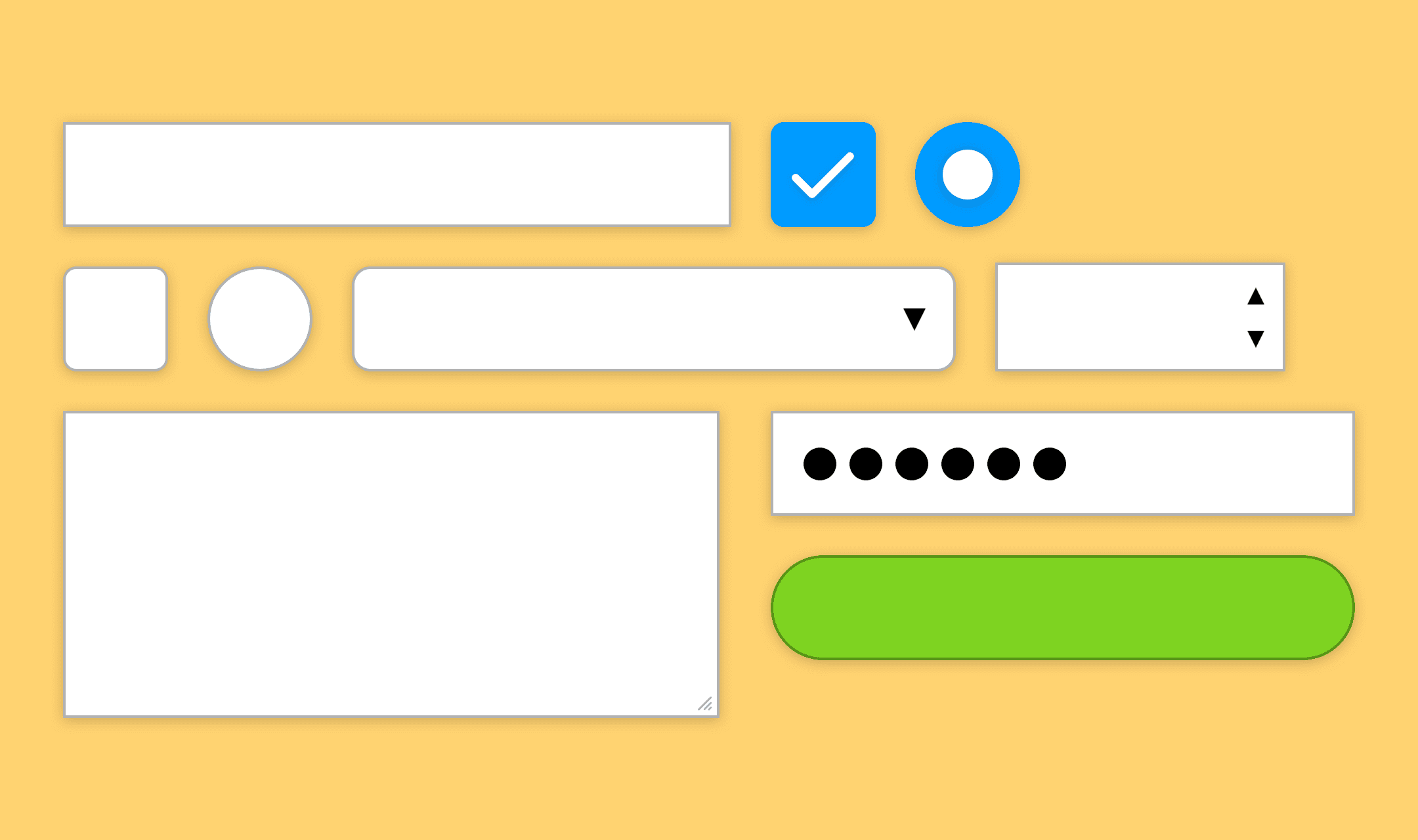
Up your form game and stop frustrating your users. Cut out those bad habits and make simple enhancements to your web forms to please the user.